
本地ssh服务器拉取github/image操作步骤
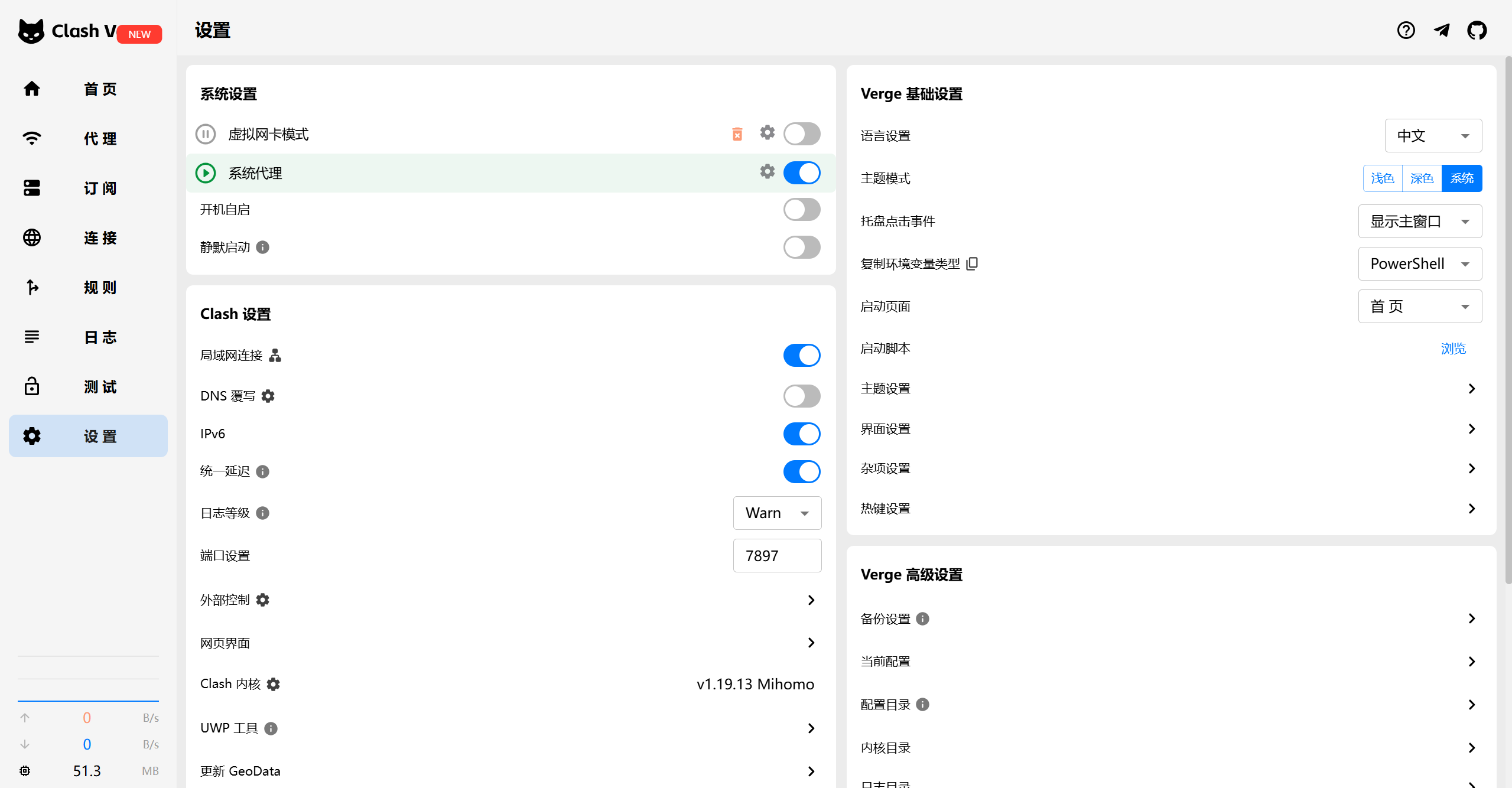
1.准备科学上网工具,以clash verge为例:
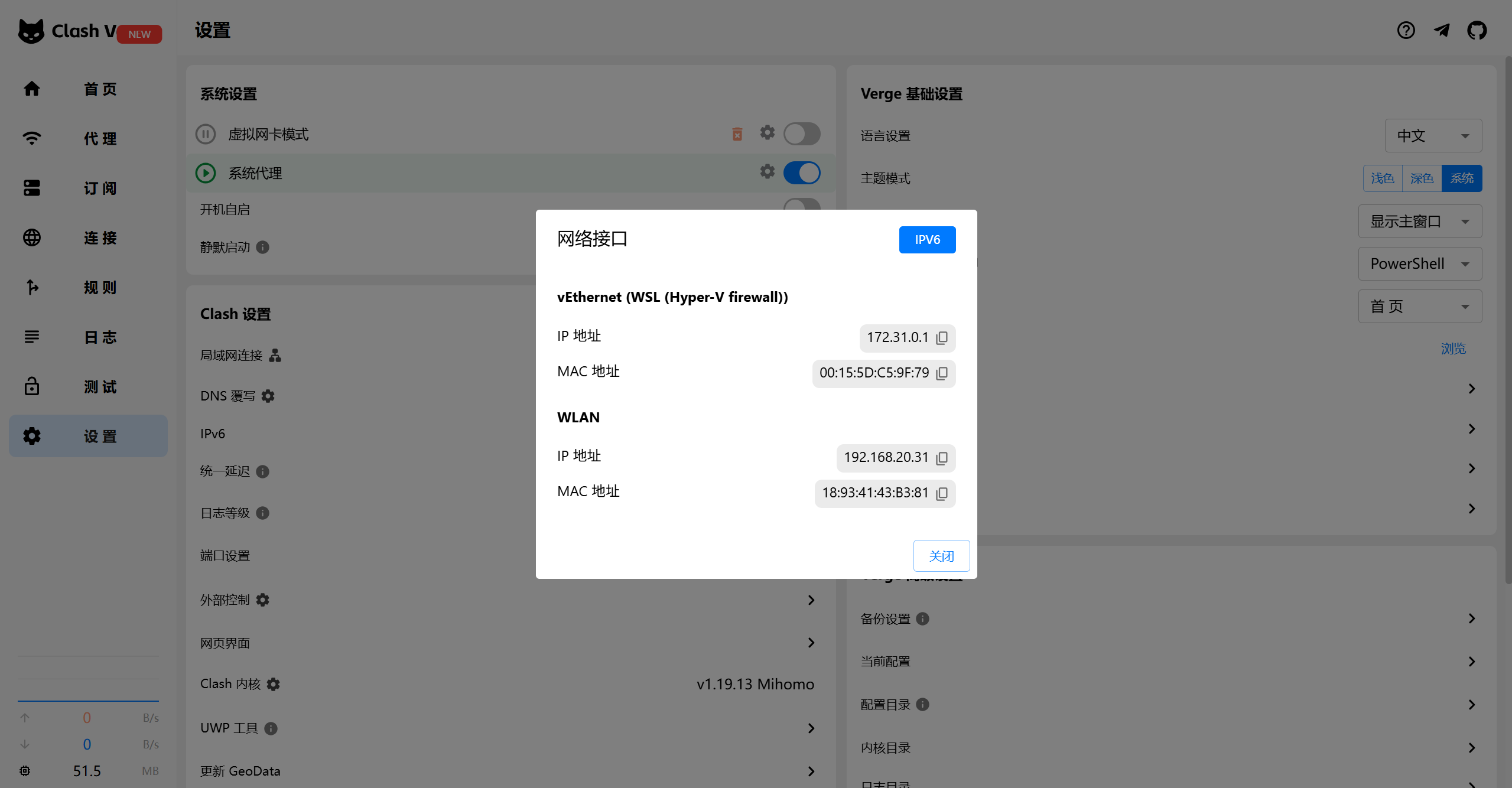
开启系统代理,打开局域网连接,暴露一个本地端口:7897
2.目标服务器修改sshd配置
vim /etc/ssh/sshd_config
AllowTcpForwarding yes
GatewayPorts yes
#要求:
grep -E "AllowTcpForwarding|GatewayPorts" /etc/ssh/sshd_config
AllowTcpForwarding yes
GatewayPorts yes
3.建立 SSH 隧道(本地机器执行)
在您的本地电脑上执行以下命令,将本地代理端口转发到云服务器:
ssh -R 0.0.0.0:7897:localhost:7897 root@云服务器
-R 7897:localhost:7897:将云服务器的7897端口映射到本地的7897端口- 保持此 SSH 连接不要关闭(隧道需要持续连接)
3.在云服务器上配置代理
登录云服务器后,通过环境变量或 Git 配置使用代理:
方法 1:临时环境变量(推荐)
export http_proxy="http://127.0.0.1:7897"
export https_proxy="http://127.0.0.1:7897"
方法 2:Git 专属配置
git config --global http.proxy http://127.0.0.1:7897
git config --global https.proxy http://127.0.0.1:7897
4.验证代理是否生效
在云服务器上测试:
curl -x http://127.0.0.1:7897 https://www.google.com
5.执行 Git 操作
现在可以正常使用 Git:
git clone https://github.com/veops/oneterm.git
6.完成后取消代理
unset http_proxy https_proxy  # 取消环境变量
git config --global --unset http.proxy  # 取消 Git 配置
git config --global --unset https.proxy



评论区